Developer preview v1.1.2 — installation, packaging, and some platform support are still in progress. Read the status
Skip to content

Screenshots ​

Every image on this page is a native capture from a Clorraine Amiga run: FS-UAE acceptance gates for the technical demos, Copperline with AROS for the live showcase, and Kickstart 3.1 for the GUI. None is a mockup. Some technical captures are deliberately diagnostic, so the colours are deliberately simple: they prove a bitplane, collision, or palette path rather than a visual style.

First Light ​
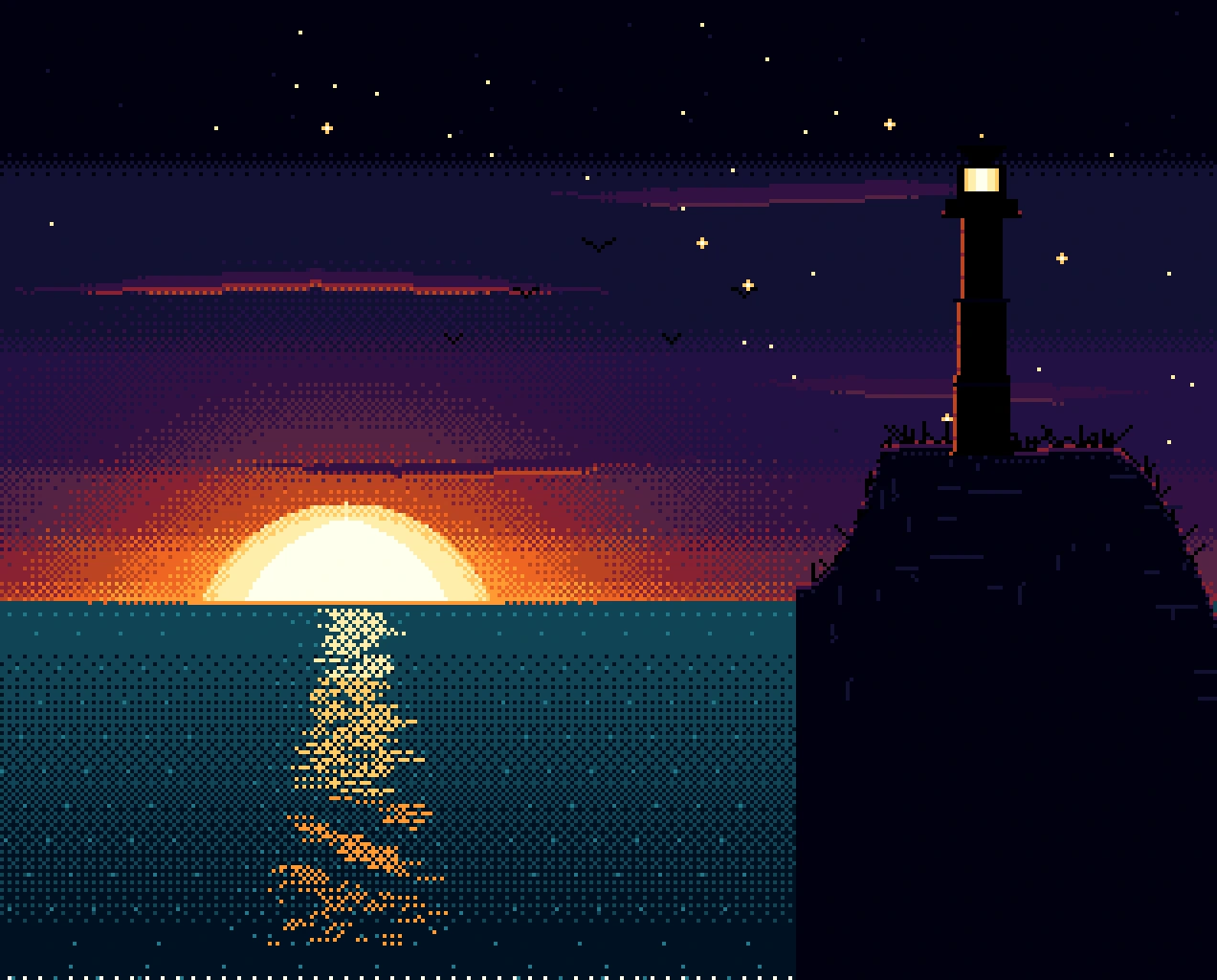
First Light: a lighthouse on a dark headland beside a calm sea, under a glowing sunrise and a field of stars.
A500 · 16 colours · compiled with clc and running in Copperline with AROS. A 16-colour dawn seascape with a dithered sky and an animated reflection.

Prism ​

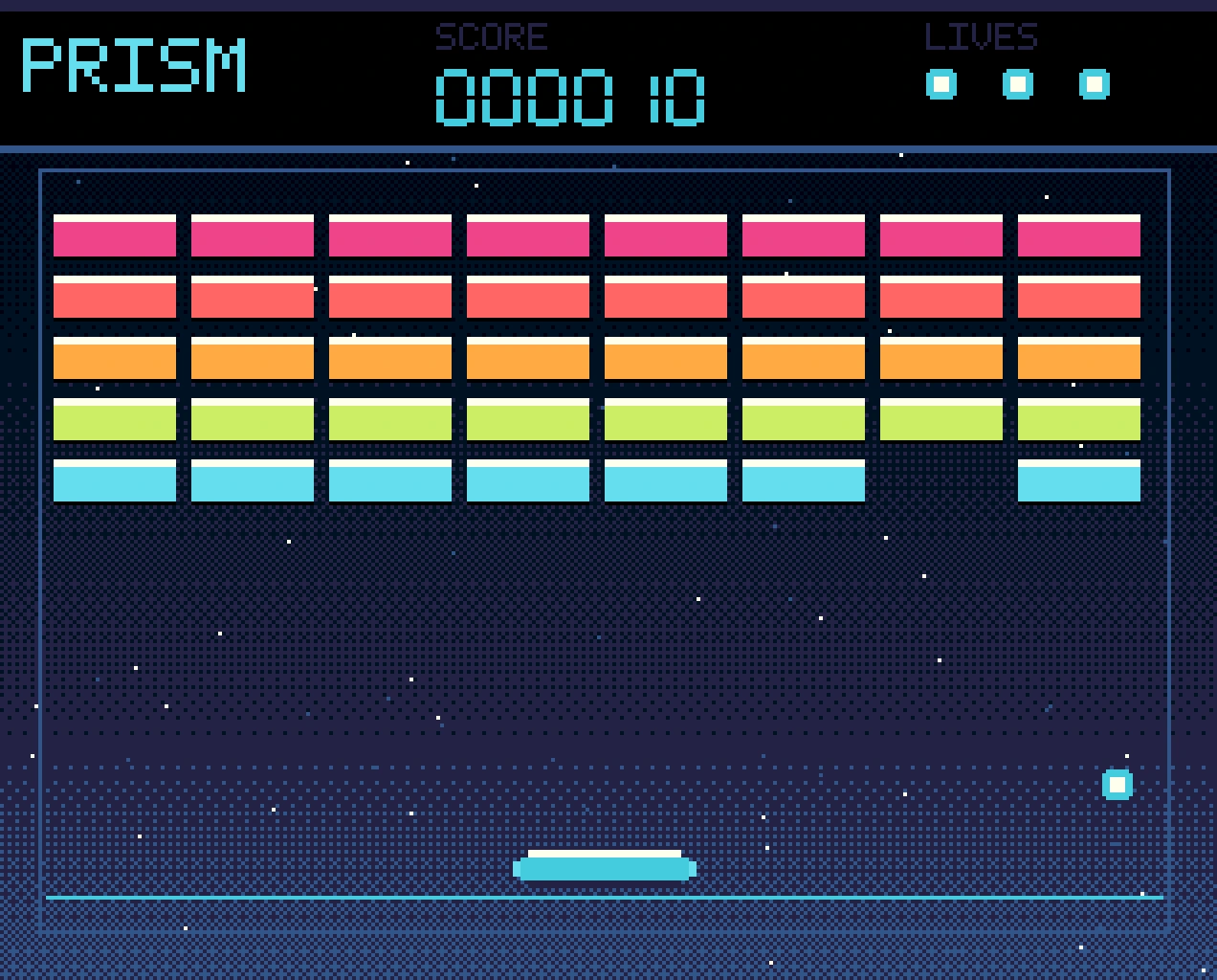
Prism: an in-progress brick-breaker game with the PRISM HUD, rows of coloured bricks, a paddle, and a ball.
A500 · 32 colours · a game in progress, running in Copperline with AROS. The saved state starts with the first brick already scored.

Boing: Neon Horizon ​

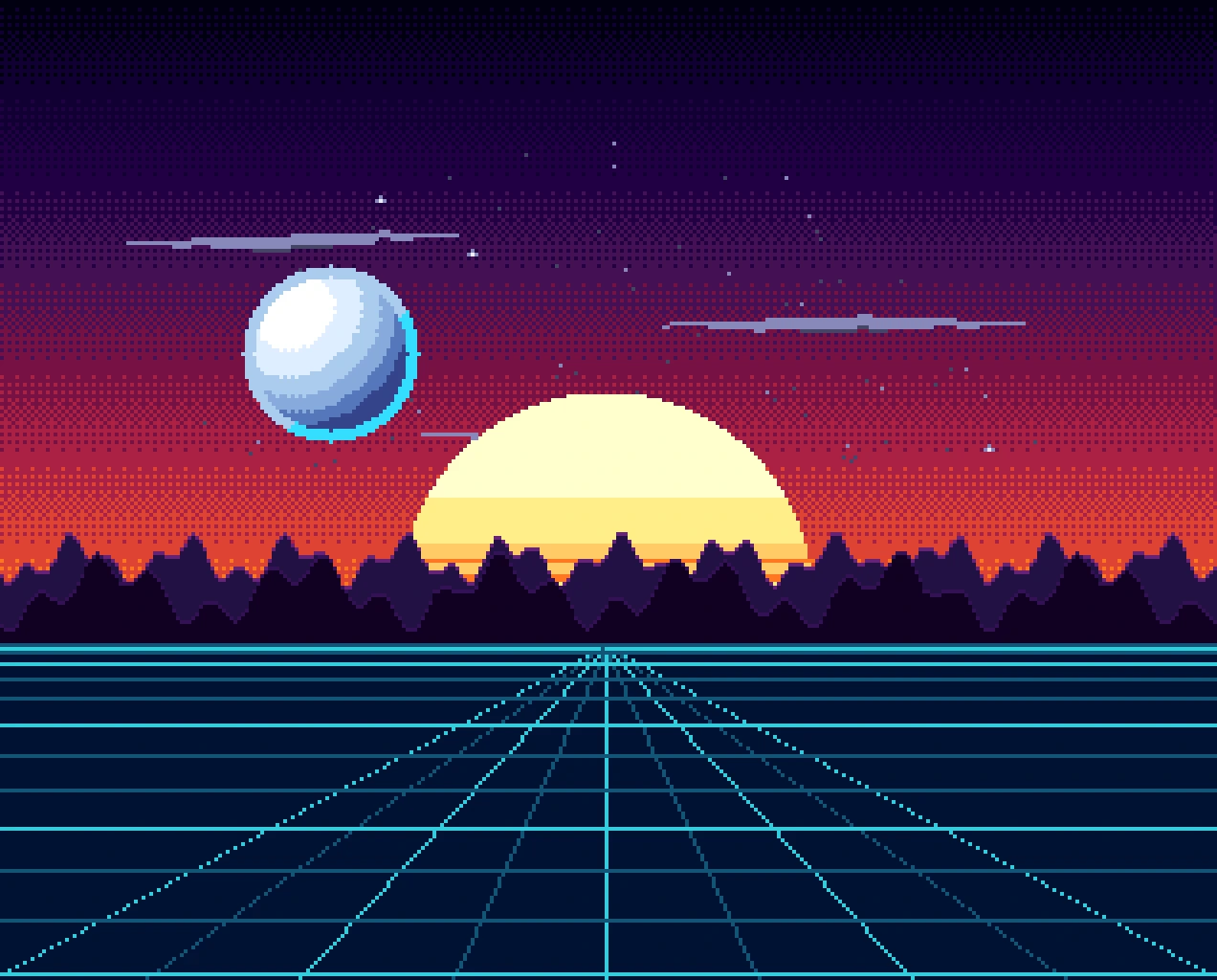
Boing: a 32-colour neon sunset, a perspective grid, and a chrome ball bouncing across the screen.
A500 · 32 colours · a dithered sunset, a perspective grid, and a masked chrome ball over two chip-memory screens.

Intuition GUI ​

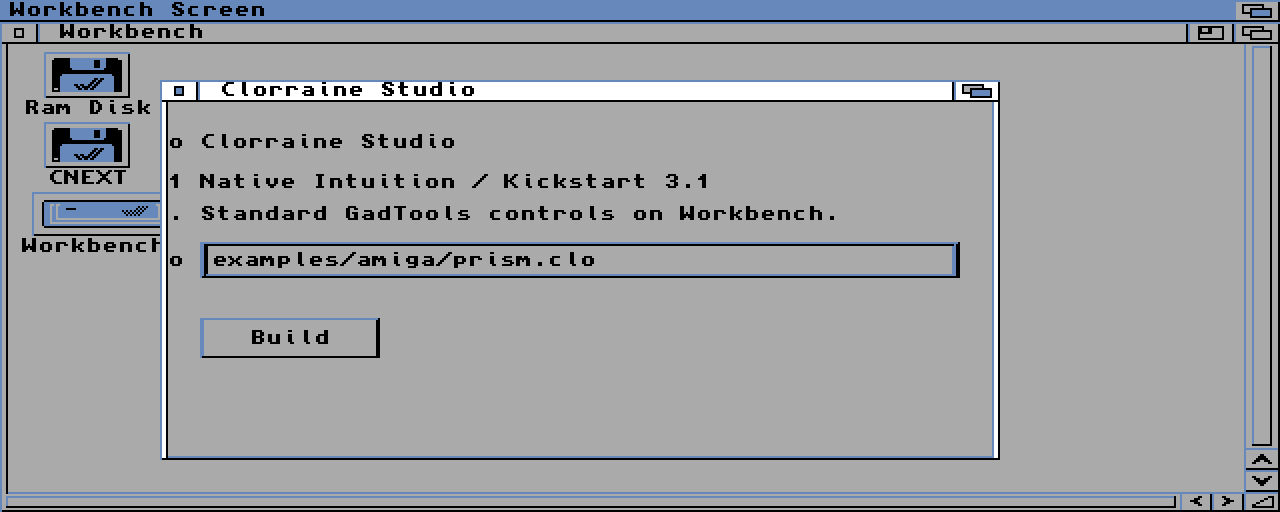
Clorraine Studio on a real Kickstart 3.1 Workbench screen, with the Workbench icons and a native window containing text gadgets, a string field, and a Build button.
A1200 · Kickstart 3.1 · the real Workbench 3.1 screen. Intuition supplies the grey/blue palette, icons, frame, and font; the application sets no colours.

ILBM viewer ​

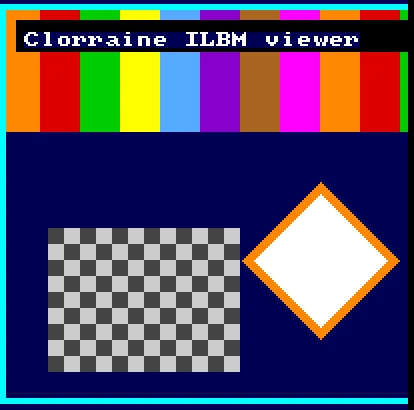
The Clorraine ILBM viewer showing a checkerboard and a diamond image on a dark blue screen.
A500 · Kickstart 1.3. A real ILBM image loaded through the DOS and asset path and displayed on a custom screen.

Sprites and hardware collision ​

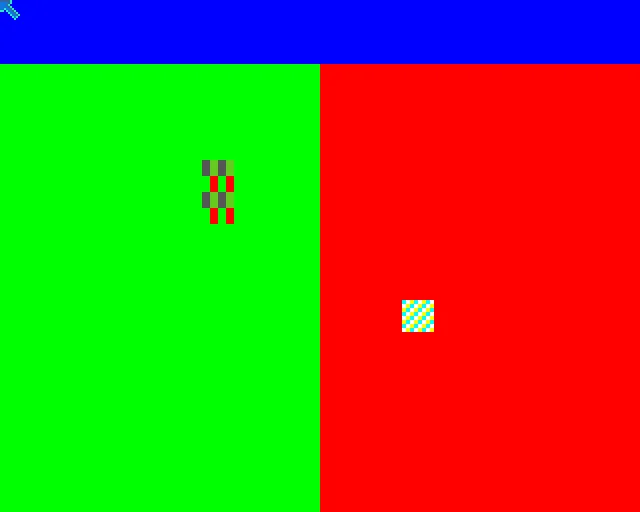
A diagnostic Amiga screen split into green and red halves with two small sprite shapes.
A500 · Kickstart 1.3. A diagnostic frame from the sprite gate, which checks the hardware collision result rather than the picture.

Paddle game ​

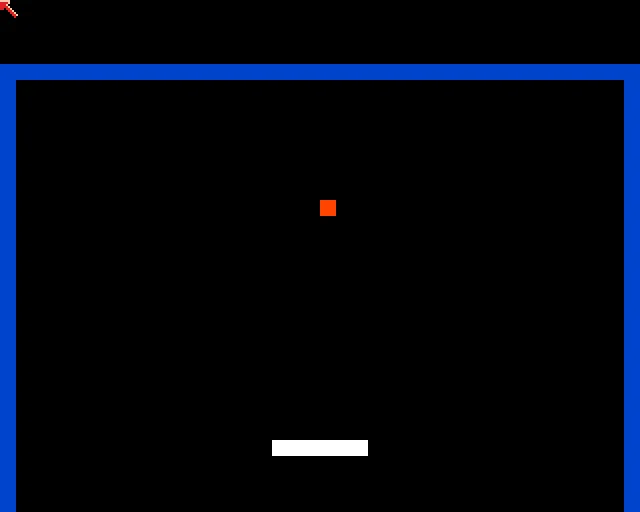
A minimal paddle court on an Amiga screen with a small orange ball and a white paddle.
A500 · Kickstart 1.3. Audio and input gate: the hit, audio, and input line is compared after the run.

Text and layers ​

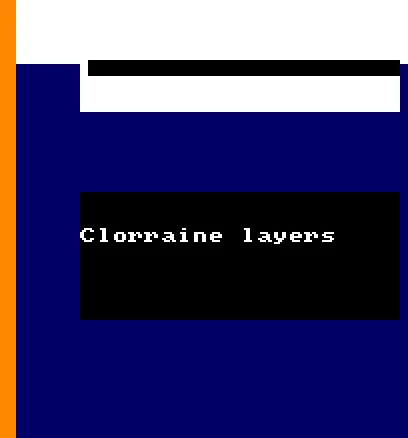
A Clorraine layers demo with the words Clorraine layers on a dark blue screen.
A500 · Kickstart 1.3. Topaz text, layers, and clipping, held for the native capture.

Workbench capture ​

The GUI capture is the full, real Workbench 3.1 screen from a locally licensed run. It shows the Workbench screen, its icons, and the Clorraine Studio window. The application itself sets no colours and draws no custom gadgets; Intuition and GadTools provide the window and controls.

The advanced Workbench gates run against the same media, but their evidence is a report line and a native capture used for acceptance.

Clorraine is an independent project. Amiga, AmigaOS, Kickstart, and Workbench are trademarks of Amiga Corporation. Not affiliated with or endorsed by Amiga Corporation or Hyperion Entertainment.